Automation constantly sends HTTP requests.
I set up an automation, Trigger is Record match.
Automation is supposed to run only when a new record match the trigger conditions
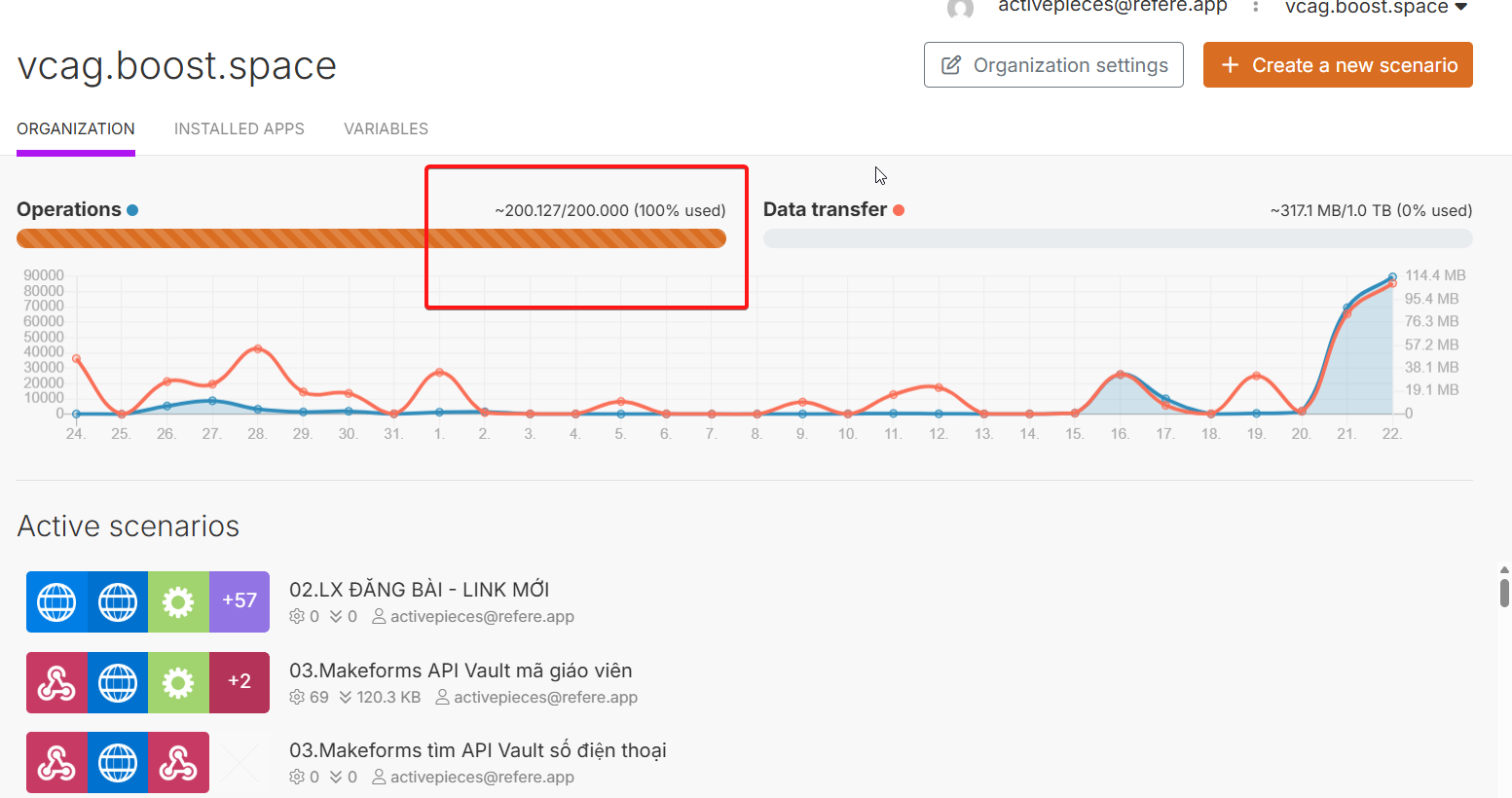
But don’t know why this morning Bika automatically send multiple requests per minutes without me do anything to the database, making my Make.com account run out of task credits? Is there a problem from the system?
Thanks for sharing this. From our side, an unstable environment on its own normally wouldn’t cause an automation to keep firing. To help us narrow it down, could you please:
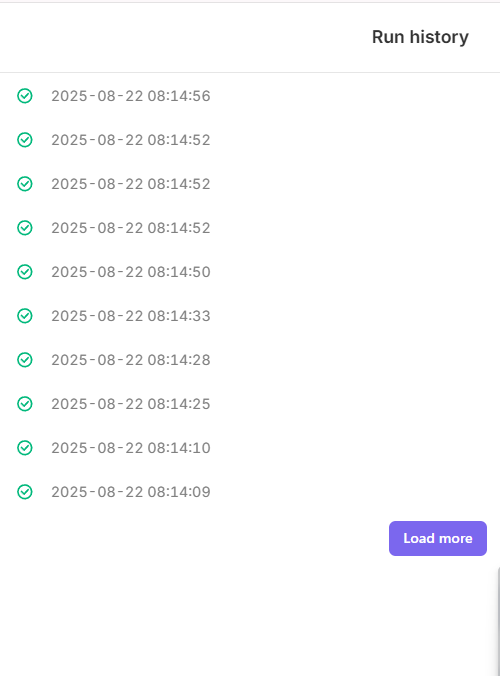
Review the run history of this automation and confirm what condition is shown for each trigger.
Let us know if there have been any recent changes to the automation setup — for example, editing the trigger condition, modifying related records, or adjusting linked automations.
Even small adjustments can sometimes change how triggers behave, so any detail you provide will be really helpful in pinpointing the cause.
We’ll continue monitoring on our end as well. Thanks for your patience while we work through this with you.
Hi @Vincent_Lo , sorry for the trouble. The screenshots and video didn’t come through on our side. Could you please invite our product specialist into your space so we can check directly? Please use this email: pengjin@bika.ai
This will help us investigate the issue more quickly.
Hi @Vincent_Lo
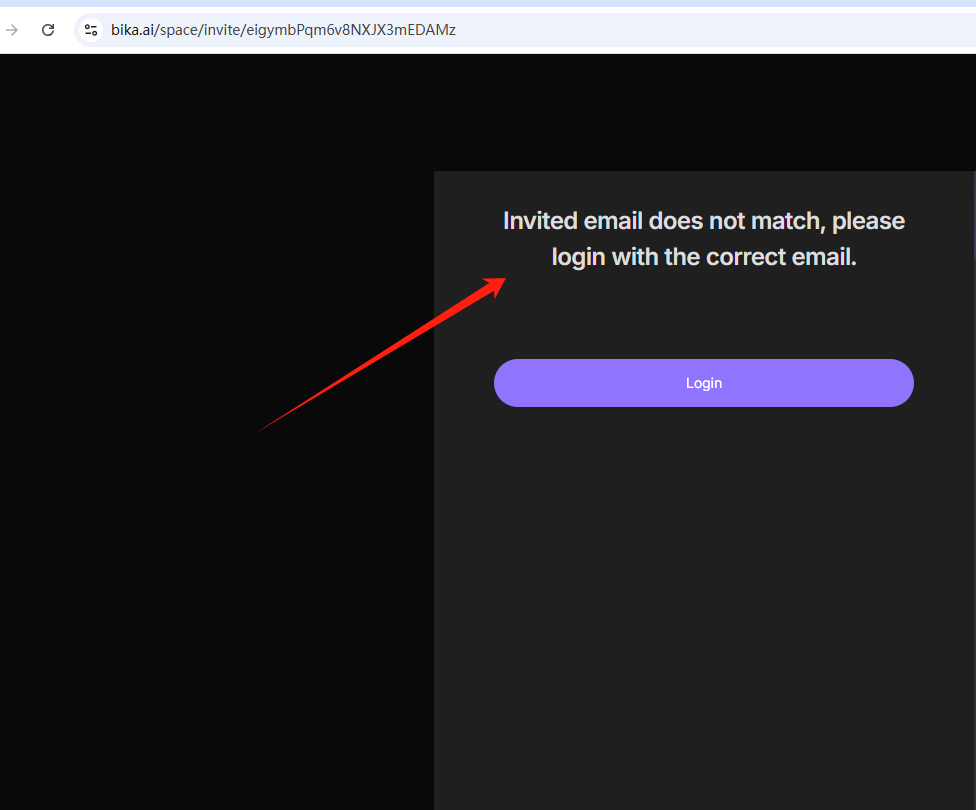
I’m unable to join your workspace. Could you please check if you’ve set up the invitation email in the workspace management page? Kindly verify the Authorized Email Domain settings in your workspace settings page.