I have a form. I want it to update a record NOT create a new record. Matching field name = DOT.
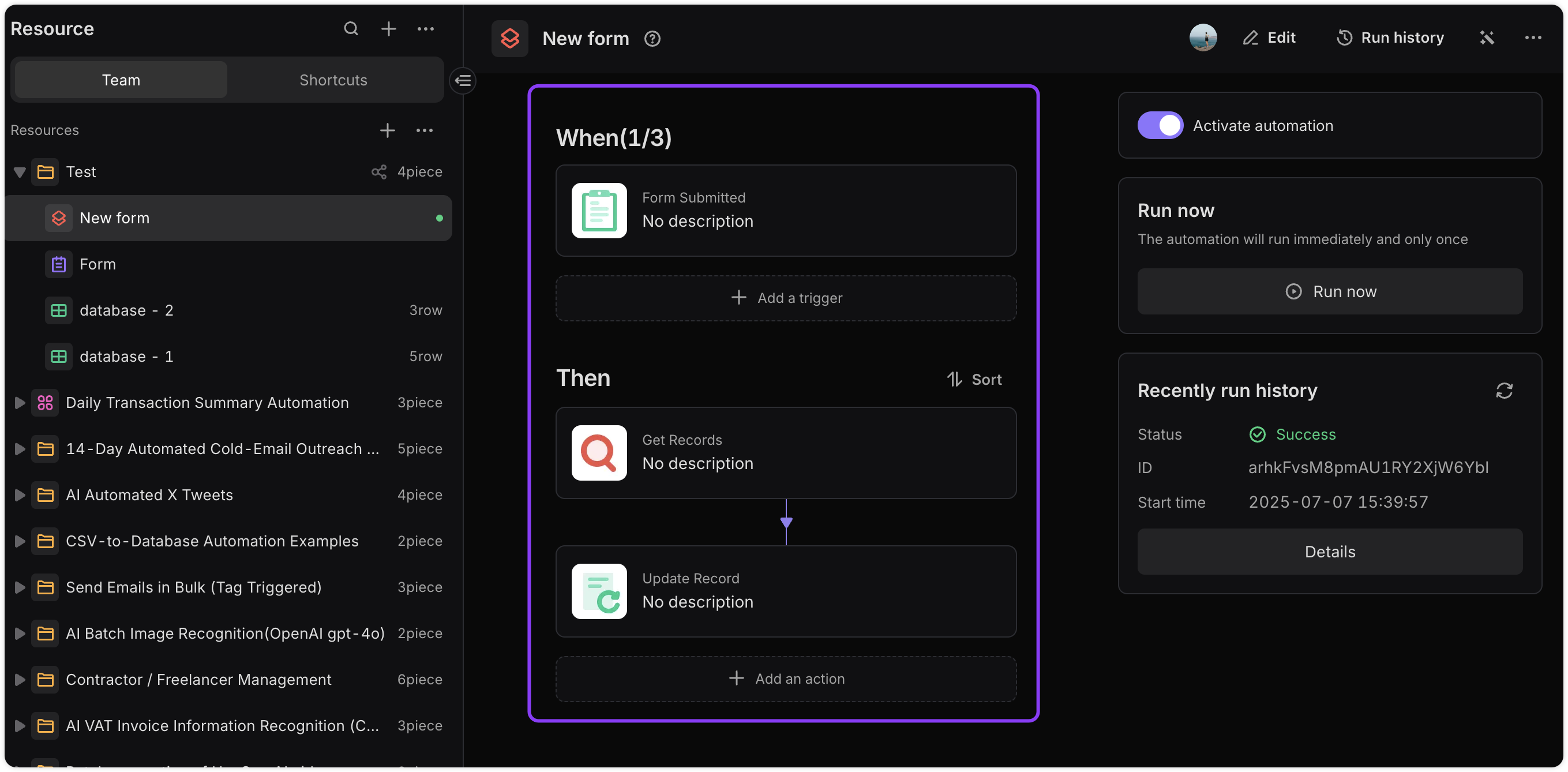
In my automation, I start with TRIGGER = FORM SUBMITTED and select my form.
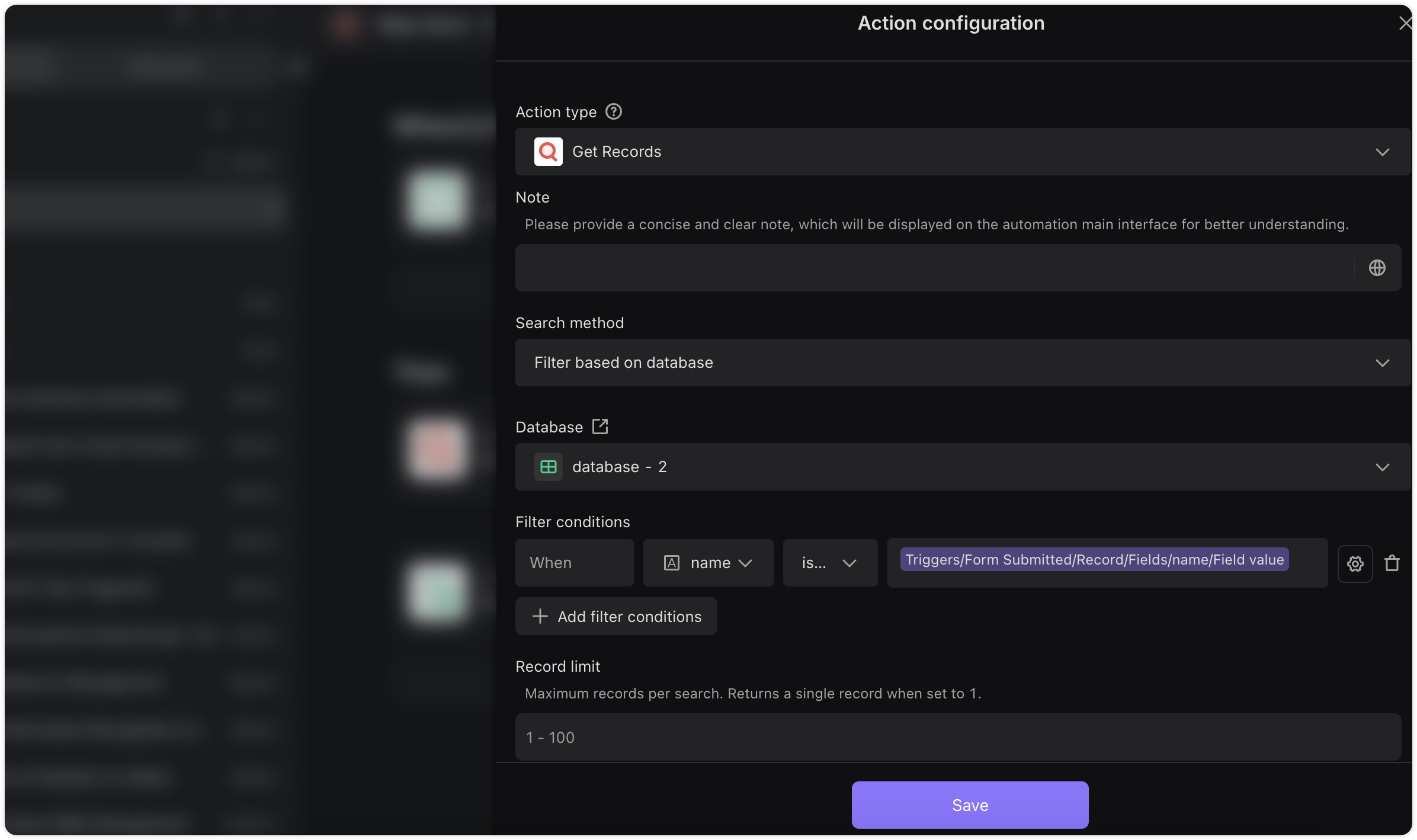
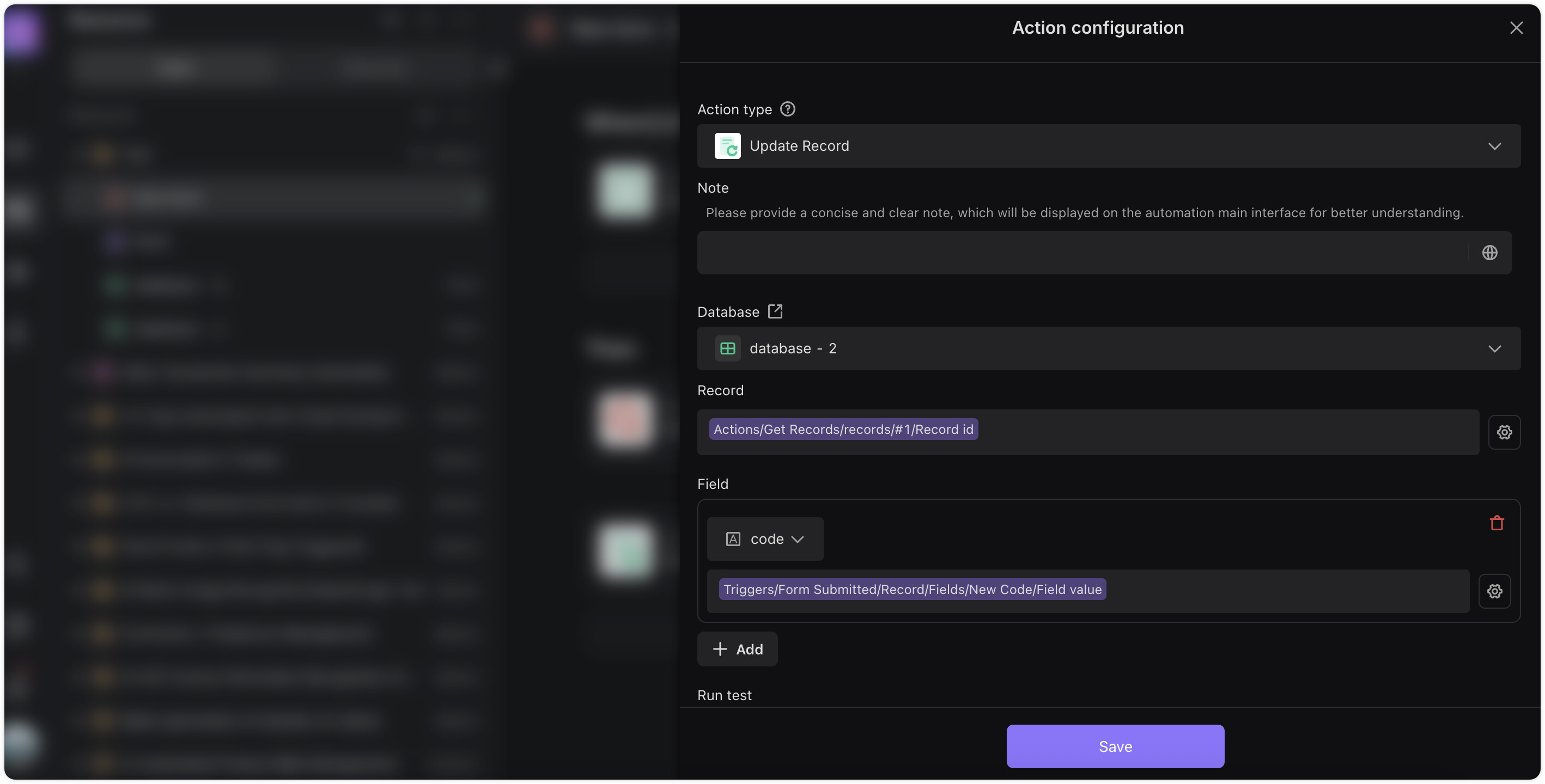
Action 1 is Get Records but I cannot pull the data from the form because I think it all comes through as an array. I tried to pull even just the DOT variable with JSON RUN SCRIPT but I m
Not exactly sure which pieces are supposed to be selected from the “/” menu
Not sure which options to select because nothing shows DOT
Not sure how to parse the data do to the “/” requirements
@Thea & @Andria_D_Baunee - Thank you for this excellent solution! I’m facing a very similar workflow challenge with my swimming academy management system.
My Use Case: Swimming Athlete Onboarding & Coaching Workflow
I’m building a system for a swim club with 900+ swimmers across multiple centers. Here’s my workflow:
Flow:
Swimmer Applies → New Record Created (Parent Form)
Coach Informed (based on center & batch selection)
Coach Schedules Test
Coach Updates Test Results (Update Existing Record)
Current Challenge
My “Swimmer Application Form” has 22 fields, of which the last 3 are coach-only:
Completed Test
Date of Trial
Swimmer Selected
Parents shouldn’t see or fill these fields. Coaches need a separate interface to update only these 3 fields on existing swimmer records.
Question
Following Thea’s solution (Get Records + Update Records automation), should I:
Keep my current form and hide the 3 coach fields from parents somehow?
Or create a completely separate “Coach Test Results Form” with just those 3 fields + matching automation?
I prefer Option 2 (separate form) for clean separation, but want to confirm it’s the right architectural approach for a large-scale academy system.
I’m not confident about Grid Access for coaches, so an edit form is preferred.
Hi @glenmarkaquatic , this is a very real workflow. Here are two approaches you might want to consider:
Option A (cleaner for scale): use a Mirror to isolate coach access.
Parents submit the main form into your primary table, and each coach works in a mirrored view scoped to their center or batch. This way, coaches only see their own swimmers and can update just the test fields without touching the rest.
Mirror guide:
Option B (form based for coaches): use two tables plus an automation.
The parent form writes to Table A (including a unique identifier such as student ID).
The coach form writes the 3 test fields to Table B with the same identifier.
An automation then matches the record in Table A and updates it with the values from Table B.
Hi
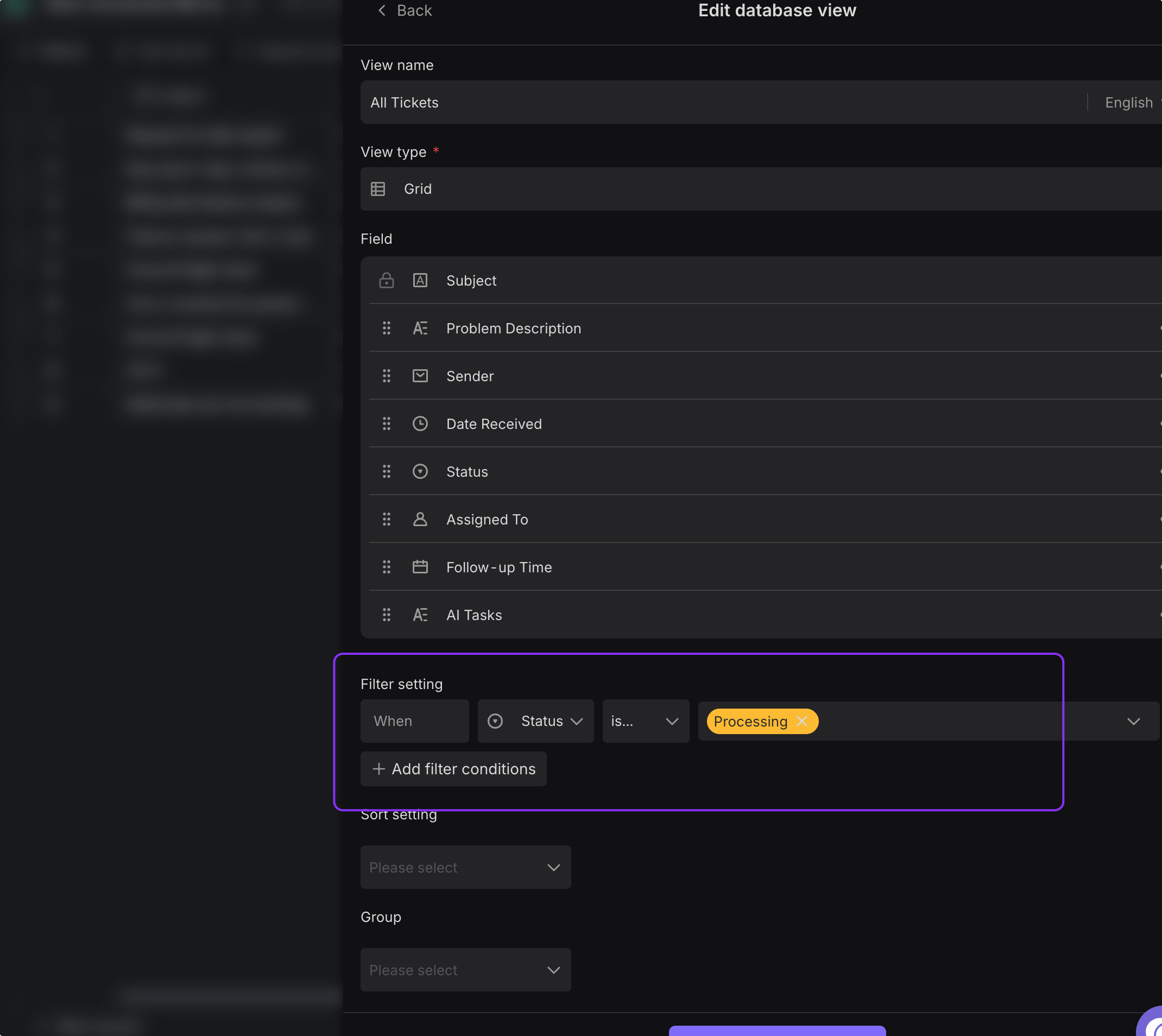
In my use case there are multiple centers. (Stored as a separate table) Now I wish to only expose the mirror to a coach from a specific location, Howver that is not available as a filter. Pls assist
Each mirror can point to a specific view, so each coach only sees swimmers from their own center.
You can then share the corresponding mirror link with each coach. From their side, they’ll only see data for that center and won’t need to worry about filters at all.