When I retrieve data connected via a link using lookup and apply the arrayunique function, it does not execute.

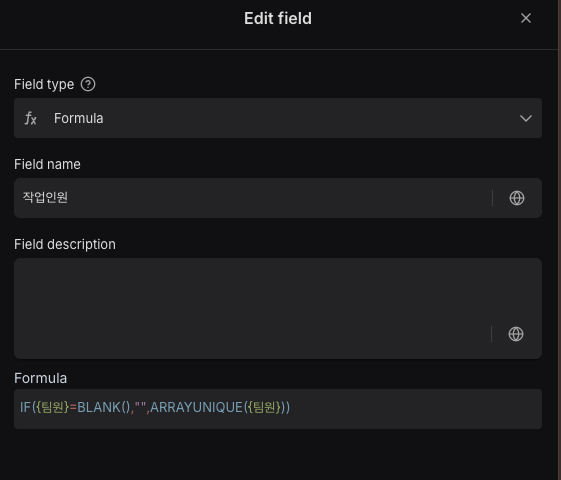
So I call that field separately with another function and then apply arrayunique, but when I use the countall function, it does not return the correct value.
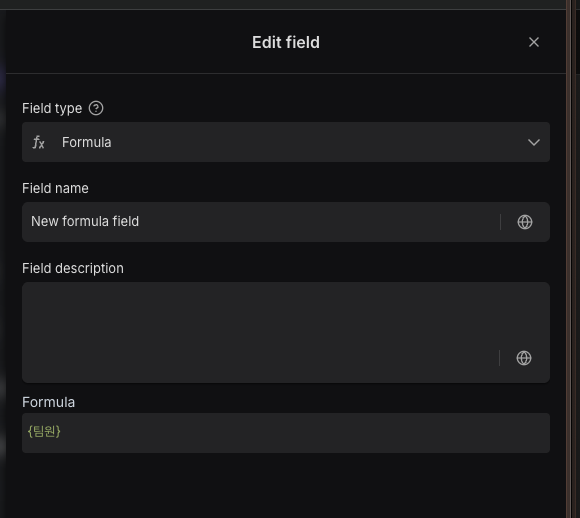
Instead of counting the number of values separated by “,”, it recognizes the entire field value as one item.
The same result occurs even when using count, counta, and countall.
Please check this issue.
Additionally, please also check the newly added details regarding the error: “Field ‘{name}’ is required.”