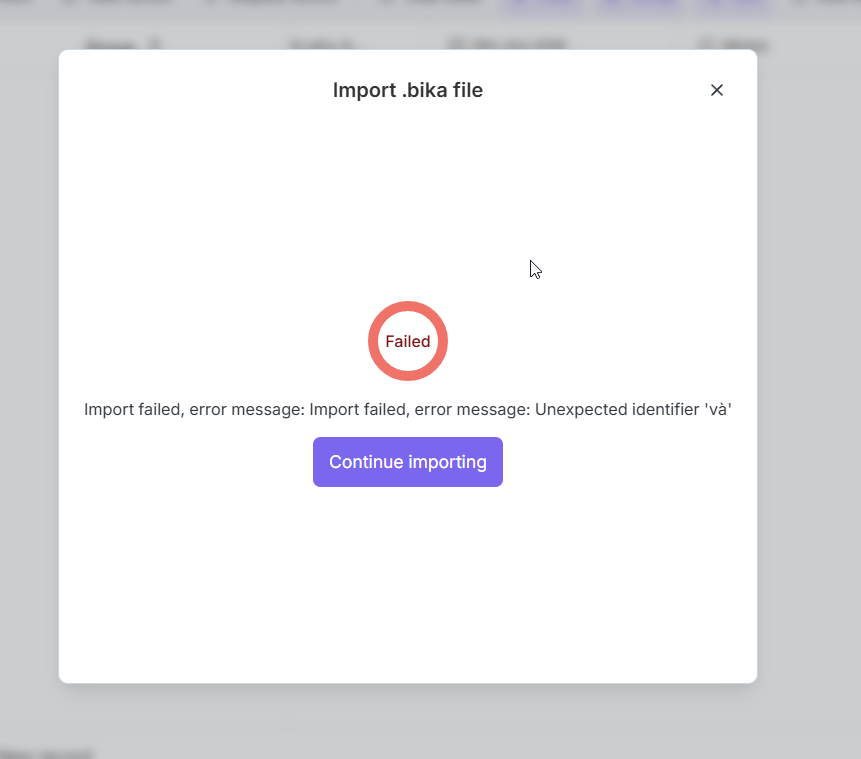
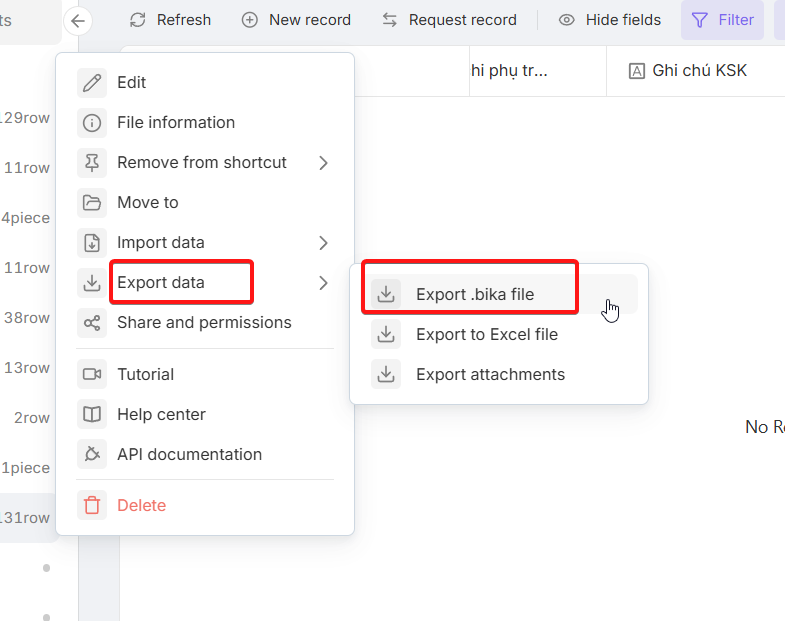
It was normal to export my database to a Bika file:
But I faced this error when importing it back. Please investigate and fix the issue.
This is the bika file link: LX MẪU.bika - pCloud
It was normal to export my database to a Bika file:
Hi @vincentlo, apologies for the delayed response due to the Lunar New Year holiday.
Regarding the import error:
LX MẪU.bika - pCloud), but the link shows as “expired or invalid,” so we couldn’t download it to investigate further.If the issue persists, could you please provide a new, working link to the file? This will help us pinpoint the encoding issue. Thanks for your patience!
Yes. Access the file form this link again:
https://e.pcloud.link/publink/show?code=XZsqs3ZR8dIQc5TIBzAmWYIDSxvPRH9S25k
I know that error happening because of the word “và” and want you can fix it somehow.
I can remove the word and it works properly. But really need a permanent fix.
@vincentlo Thank you for the updated link! I can confirm that the link is working perfectly now, and we have successfully accessed the file.
Also, thank you for confirming that the word “và” is the specific trigger for this error. This insight is incredibly helpful for our investigation. I have already shared the file and your findings with our technical team for a deep dive.
While I cannot guarantee a fix at this stage until we identify the root cause, please rest assured that we will do our best to find a permanent solution for you. I’ll keep you posted as soon as I have any updates from the team.
Hi @vincentlo, Thank you for your patience. I have an update from our technical team: we have tested the .bika file you provided (the one containing the word “và”), and it imported successfully on our end without any errors.
Since we are currently unable to reproduce the issue, could you please provide a screen recording of your entire “export-to-import” process?
Seeing the full sequence of actions and the environment in which the error occurs will be incredibly helpful for our team to pinpoint the root cause.Thank you for your continued support!
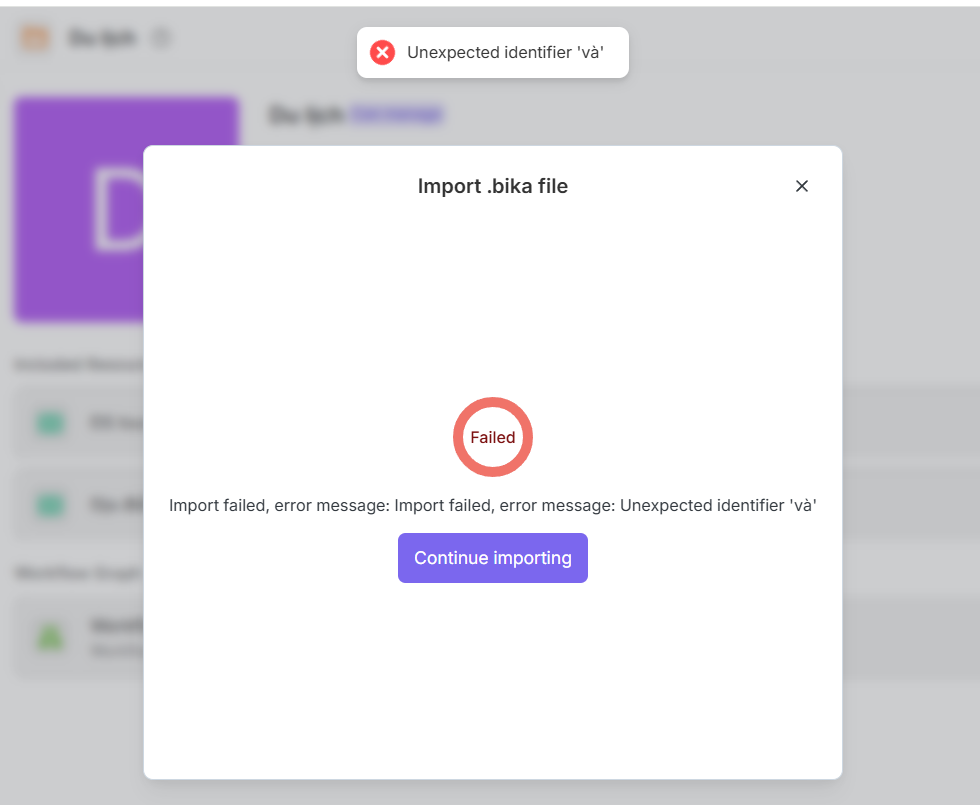
The problem is still happening. See below image.
“Import failed, error message: Import failed, error message: Unexpected identifier ‘và’”
Tell them to recheck.  Thanks
Hello @vincentlo, we see the error is still happening on your end. We have asked the team to look into it again, but since they cannot reproduce the “và” error with your file on our side, they are currently blocked.
As requested previously, we kindly ask you to provide a screen recording of your entire “export-to-import” process. We need to see your workflow in action to identify what might be causing the failure on your end. Looking forward to your video!
okay: this is the link to my video:
@vincentlo Hi, thank you so much for taking the time to record and share this video! This is incredibly helpful.
Our technical team has reviewed the footage, but because the issue seems deeply tied to the specific environment of your space, we still cannot replicate it on our end. To solve this once and for all, would you be open to inviting one of our technical support members into your workspace?
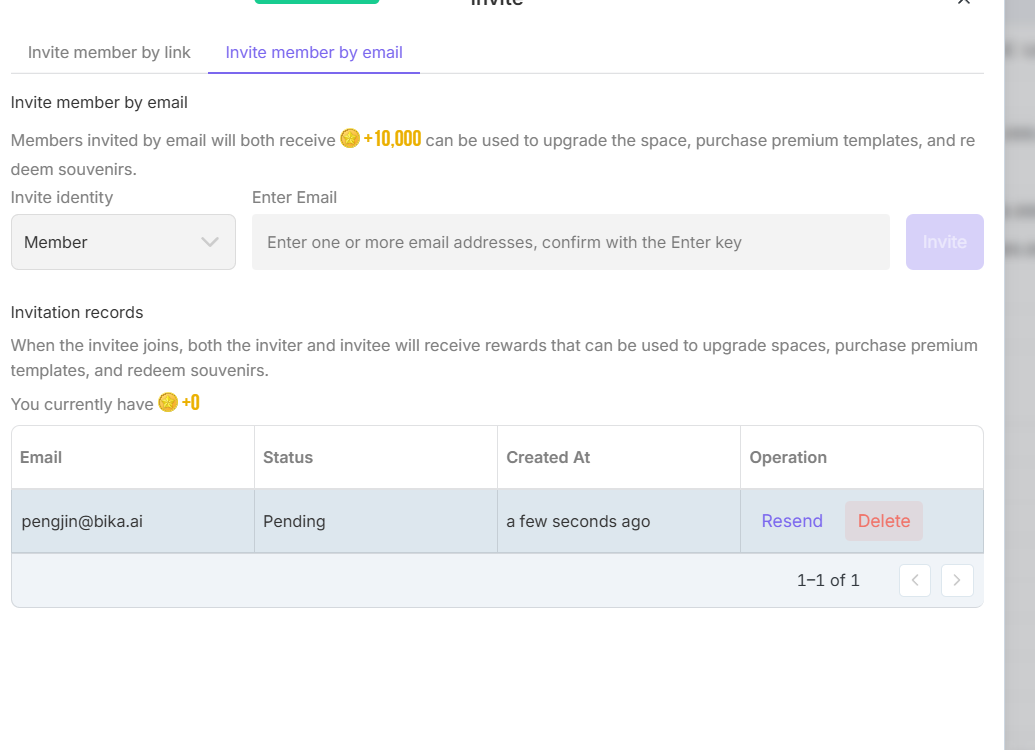
If you agree, please invite @pengjin (email: pengjin@bika.ai) to your space as an admin so our engineers can directly inspect the underlying database and fix the bug in your environment. Let me know if that works for you!
@vincentlo Thank you for granting us access! Our technical team has investigated the issue in your space and identified the root cause.
The error occurs because the characters in “Họ và tên” (specifically certain Vietnamese characters) are currently causing a validation conflict within our underlying JavaScript environment during the .bika import process.
To resolve this issue and successfully import your data, here are three possible workarounds you can try:
.bika file, export your current table as an Excel (.xlsx) or CSV file, import that Excel file into the new space, and then manually reconfigure the field types..bika file again.Please give one of these methods a try, and let us know if it works for you!
Okay. But can you find a way to solve this completely. I’m not very urgent about this issue. I also had my workarounds.
@vincentlo That’s good to hear you’ve got a workaround for the time being! Absolutely, our dev team has already added this specific JavaScript character conflict to our backlog. We are working on a complete, underlying fix so that no one has to deal with this in the future. We’ll drop a note here the moment the permanent fix goes live. Thanks again for all your help debugging this!