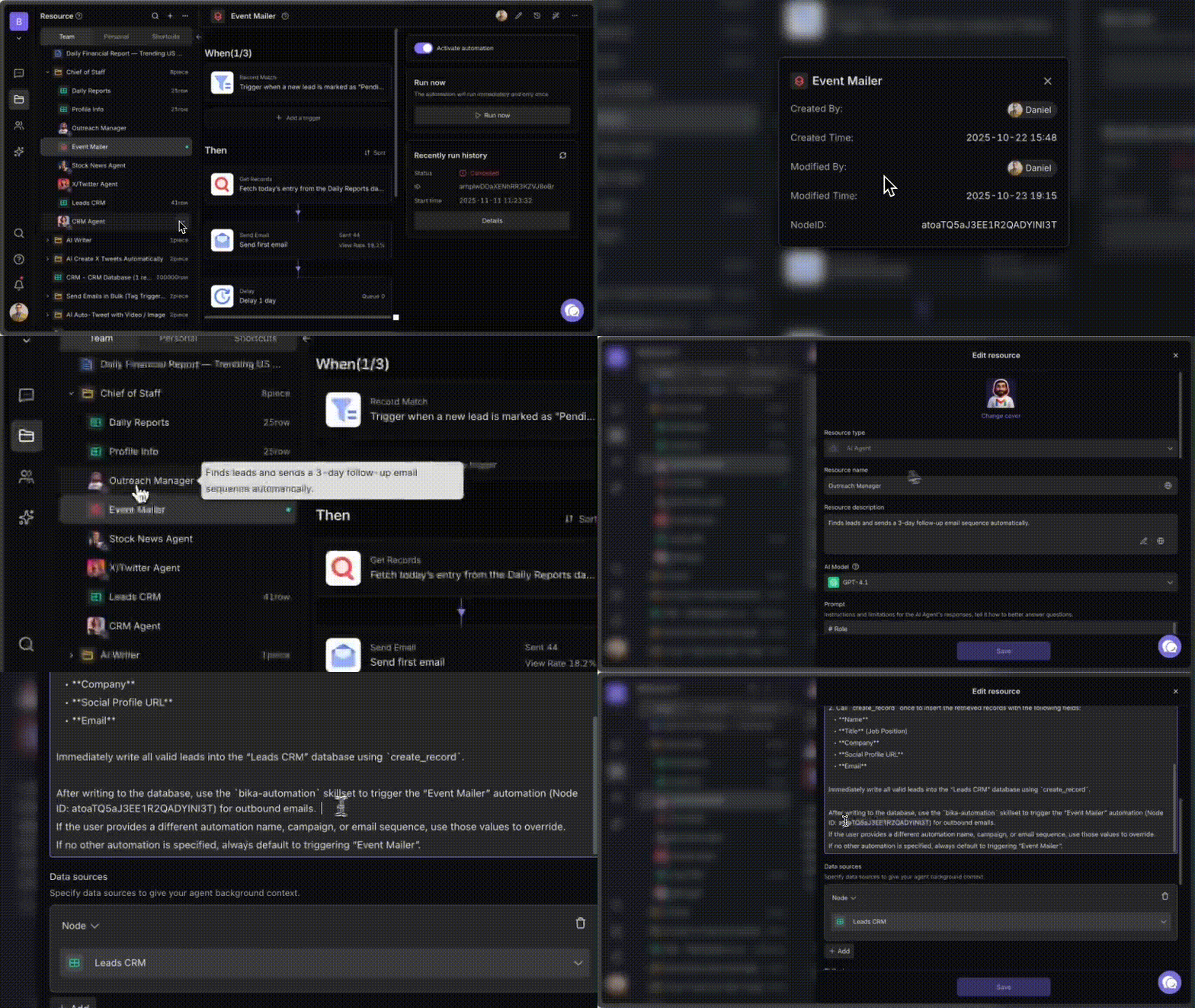
If you want one of your agents to generate a report and send it to your email every day, here’s the simplest way to set it up. This works for any agent template and any type of report.
1. Give Your Agent the Ability to Send Email
An agent can only send emails if you add the bika-email skillset.
Steps
-
Open your agent
-
Go to Skillsets
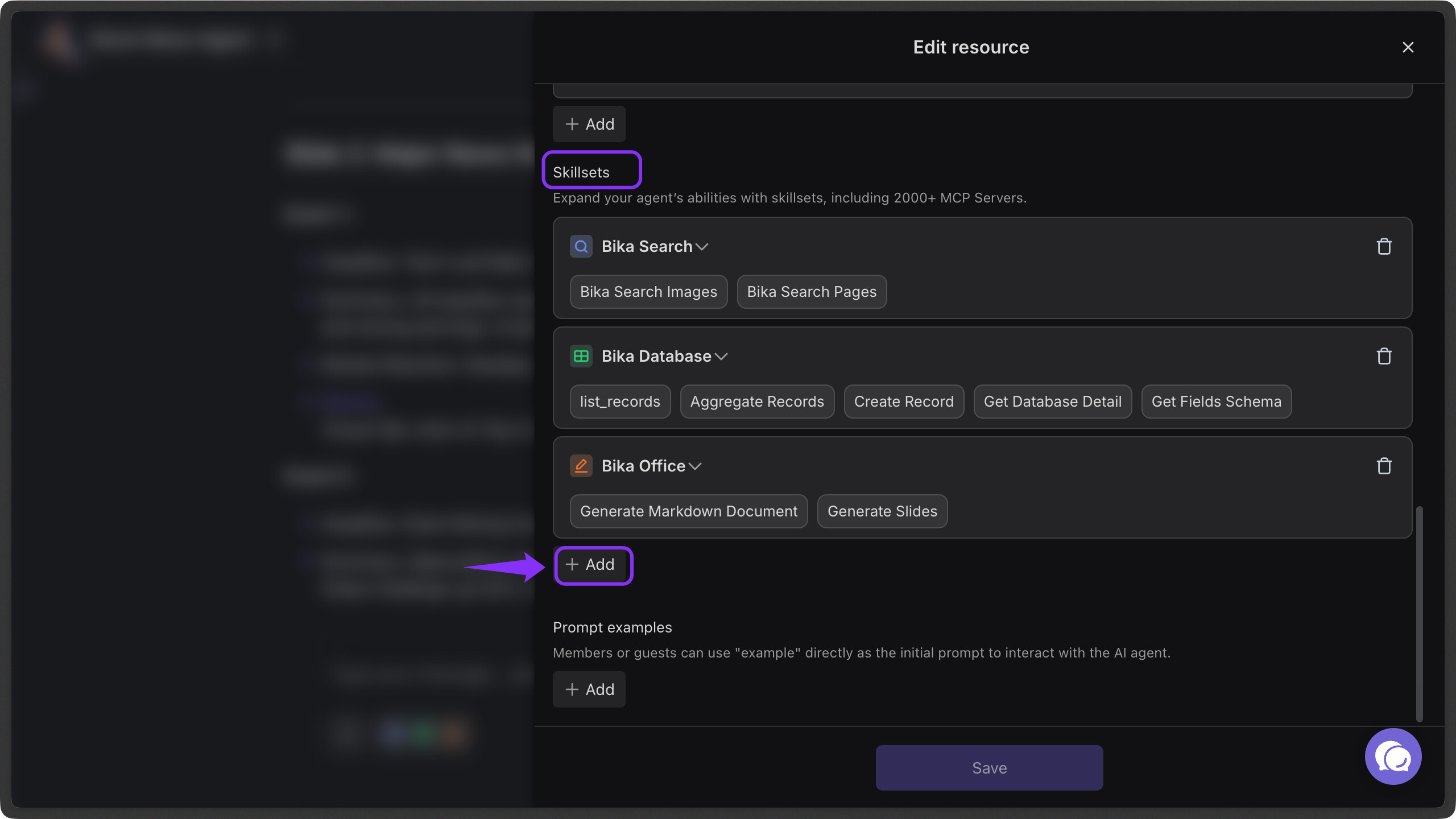
-
Add bika-email
-
Enter your email address
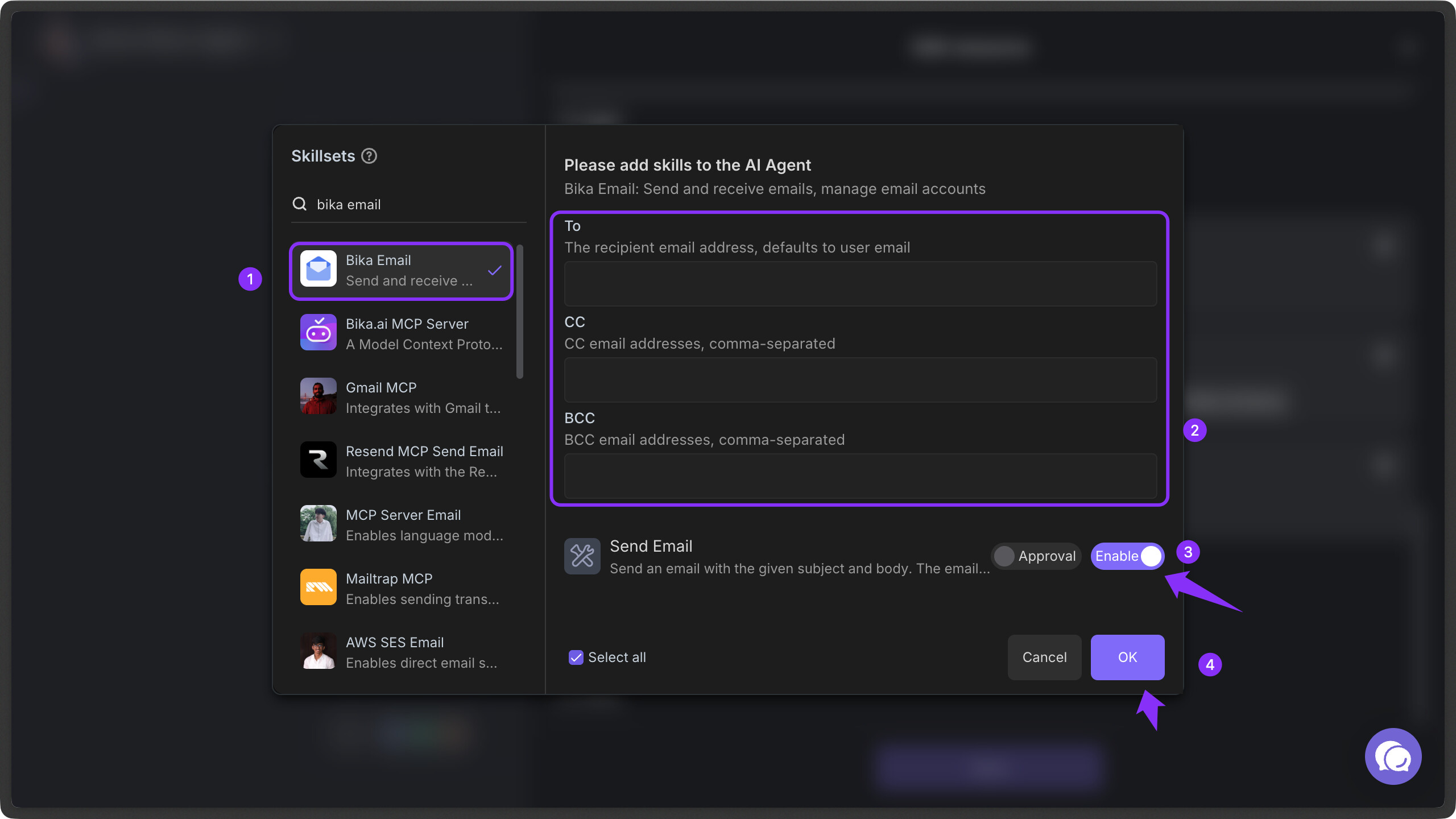
- Save
Once this is added, the agent can email you directly.
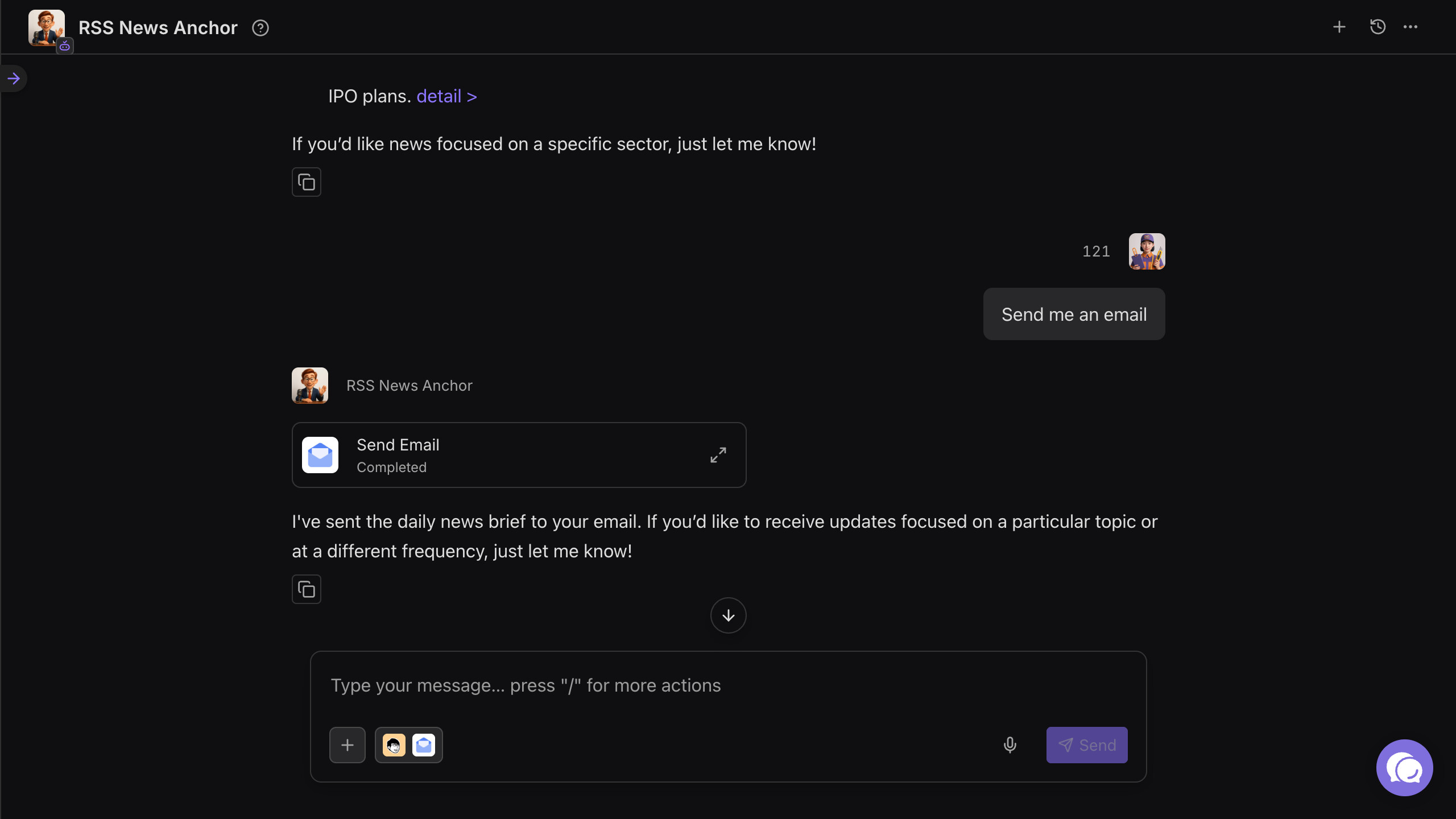
2. Add an Instruction in the Agent Prompt
Tell the agent what to send and when.
A simple example:
“After generating the report, please email it to me in markdown format.”
You can also ask directly in chat:
“Email me today’s report.”
As long as the skillset exists, the agent will follow the instruction.
(Optional) You can also let an agent trigger a specific automation by adding the automation node ID in the agent prompt.