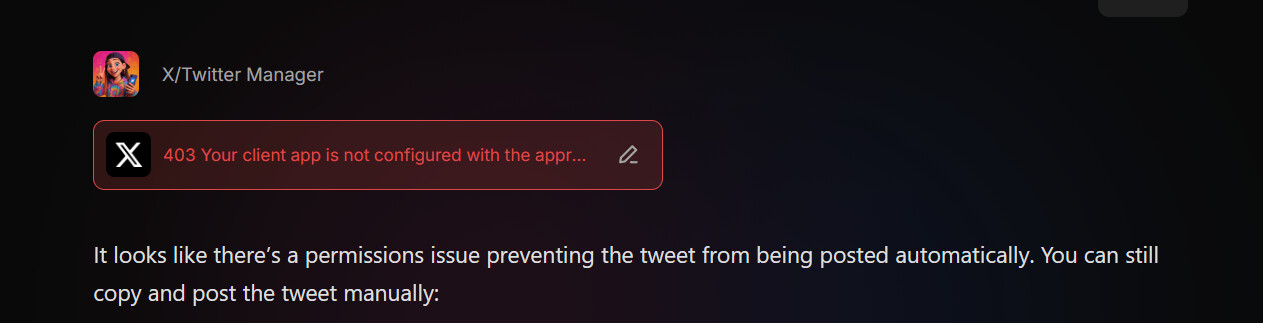
here is the error i get: ERROR: The request could not be satisfied
504 Gateway Timeout ERROR
The request could not be satisfied.
We can’t connect to the server for this app or website at this time. There might be too much traffic or a configuration error. Try again later, or contact the app or website owner. If you provide content to customers through CloudFront, you can find steps to troubleshoot and help prevent this error by reviewing the CloudFront documentation.
Generated by cloudfront (CloudFront) HTTP3 Server Request ID: OIUaAfEzUuolyzGwbM9j7S_aaNOhJ7VOBQ3wRUhy7b2fBUntX–qVQ==
A 403 saying “Your client app is not configured with the appropriate permissions” usually points to permissions/OAuth setup, not a wrong key or secret.
Please double-check:
In the X Developer Portal → User authentication settings , set App permissions to Read, Write, and Direct Messages .
Ensure App type is Web App, Automated App or Bot .