mirror view not working…
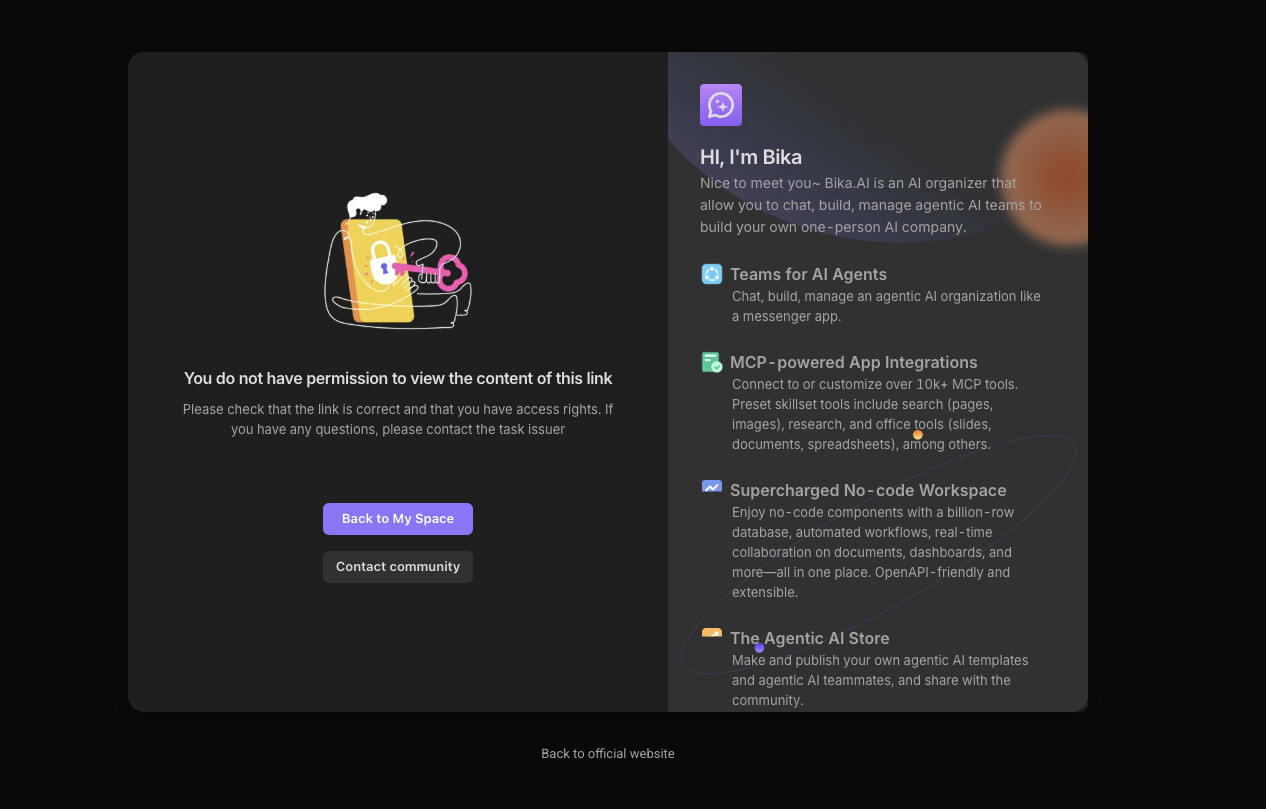
Hi @Headchef.Yang
I can open the mirror on my side without encountering the issue you described. Could you let me know what actions you performed that triggered this error? It would be helpful if you could describe the specific steps that led to the problem so we can resolve it more quickly. Thank you.
Plz Check nest link:
Hi @Headchef.Yang
Sorry, I followed your steps but everything still works fine on my side, and I couldn’t reproduce the issue.
Would it be possible to invite me to your space station? This would help us identify the specific problem more quickly. What do you think?
My email account: pengjin@vikadata.com
Additionally, when creating a mirror, can you successfully create one if you select a different table? Will the created mirror still report an error?
I invited you.
Hi @Headchef.Yang
However, in your space station, I cannot see the “PARA System” folder or any of the file nodes under it
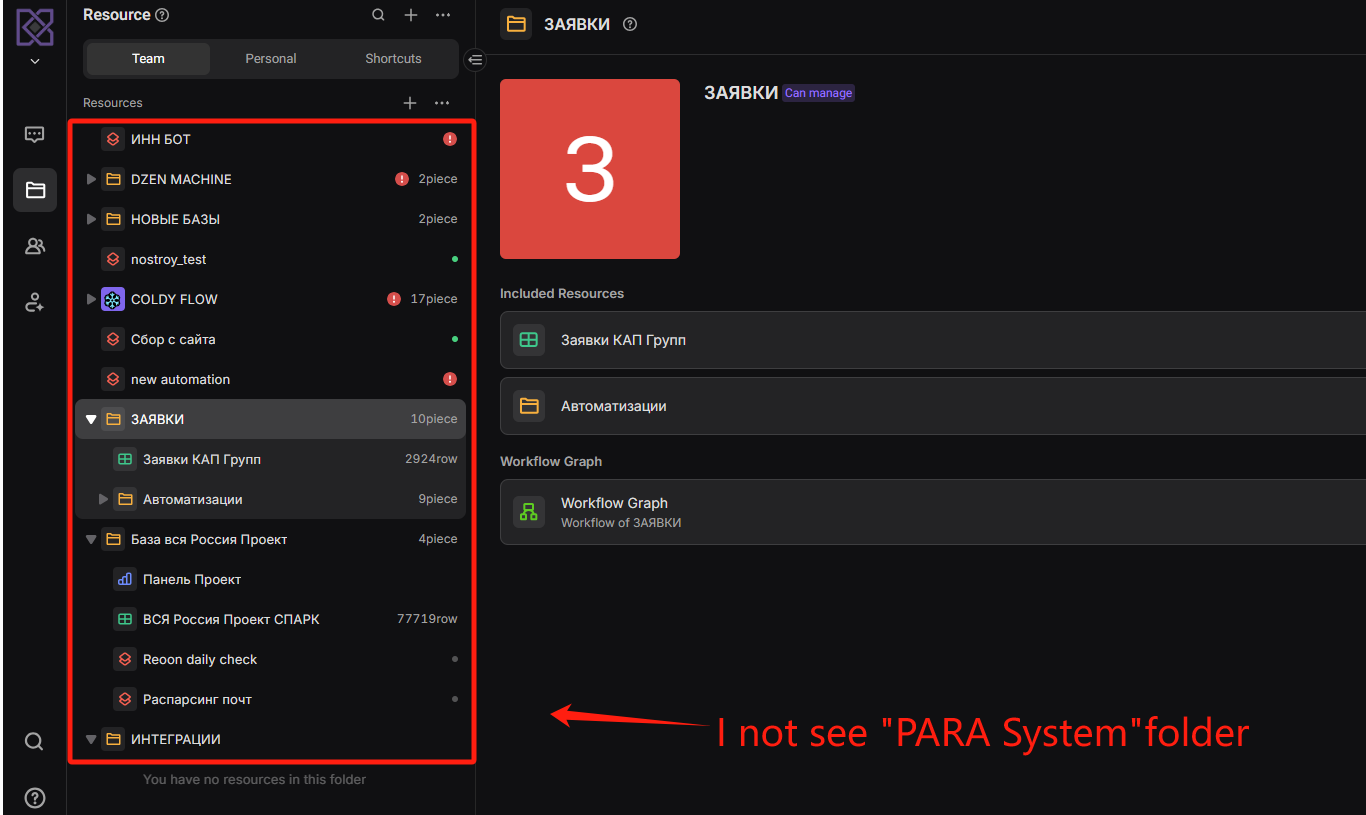
i cannot find you
Currently, exporting works, but importing doesn’t.
I’ve had this problem before, and since it couldn’t be fixed, I had to delete and recreate it.
At that time, the mirror view was fine, but this time the mirror view is also not working.
Hi @Headchef.Yang
Do you have multiple space stations? It seems you haven’t invited me to this one.
Please check in the Members menu to see if my account is listed there. If it’s not, that means you haven’t invited me.
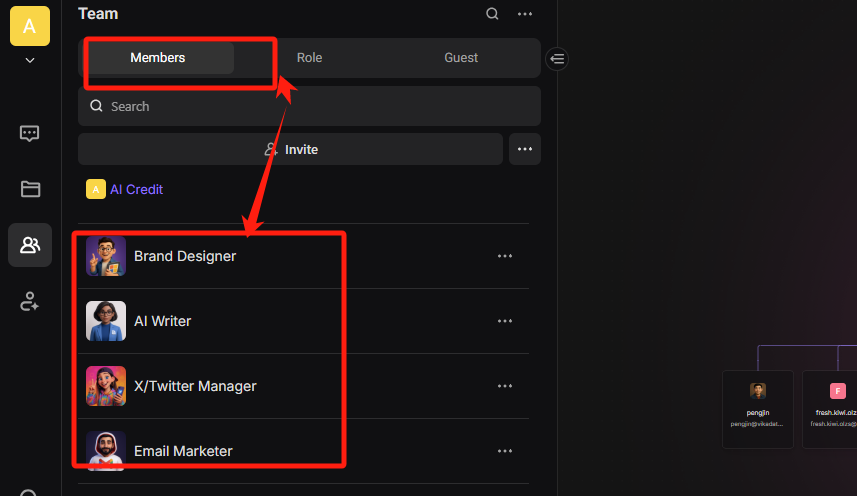
plz check
Hi @Headchef.Yang
I haven’t received your invitation email. That’s strange.
Hi @Headchef.Yang
Or could you create an invitation link and send it to my email? I haven’t received your invitation email.
I sent email.
Have you set the domain name for your email?
Please either allow the email domain or add my email domain to the list. Thank you.
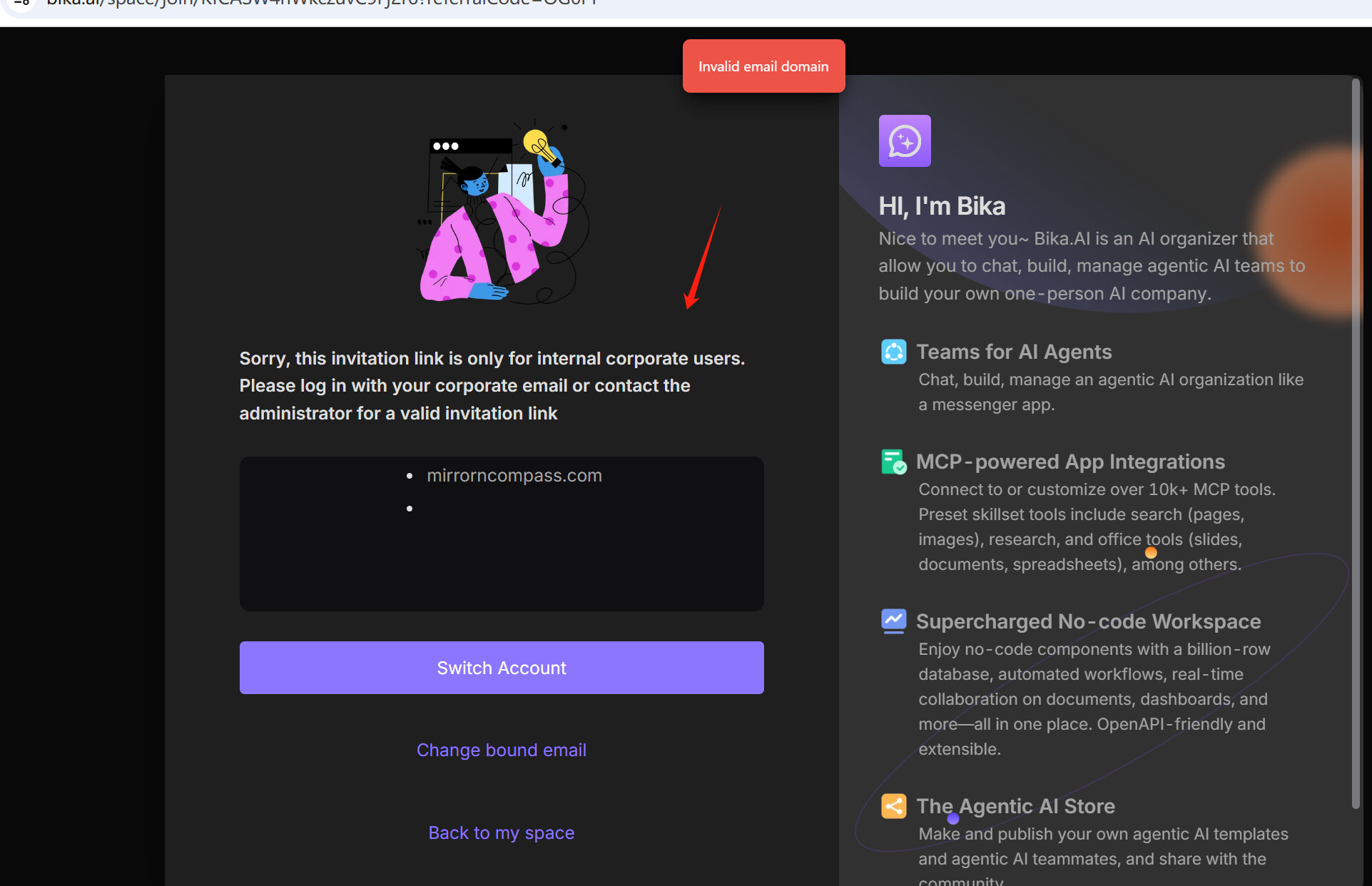
I don’t understand what you’re saying. Please tell me how to do it.
Hi @Headchef.Yang
Could you please check if the email domain is set in the space station settings page?
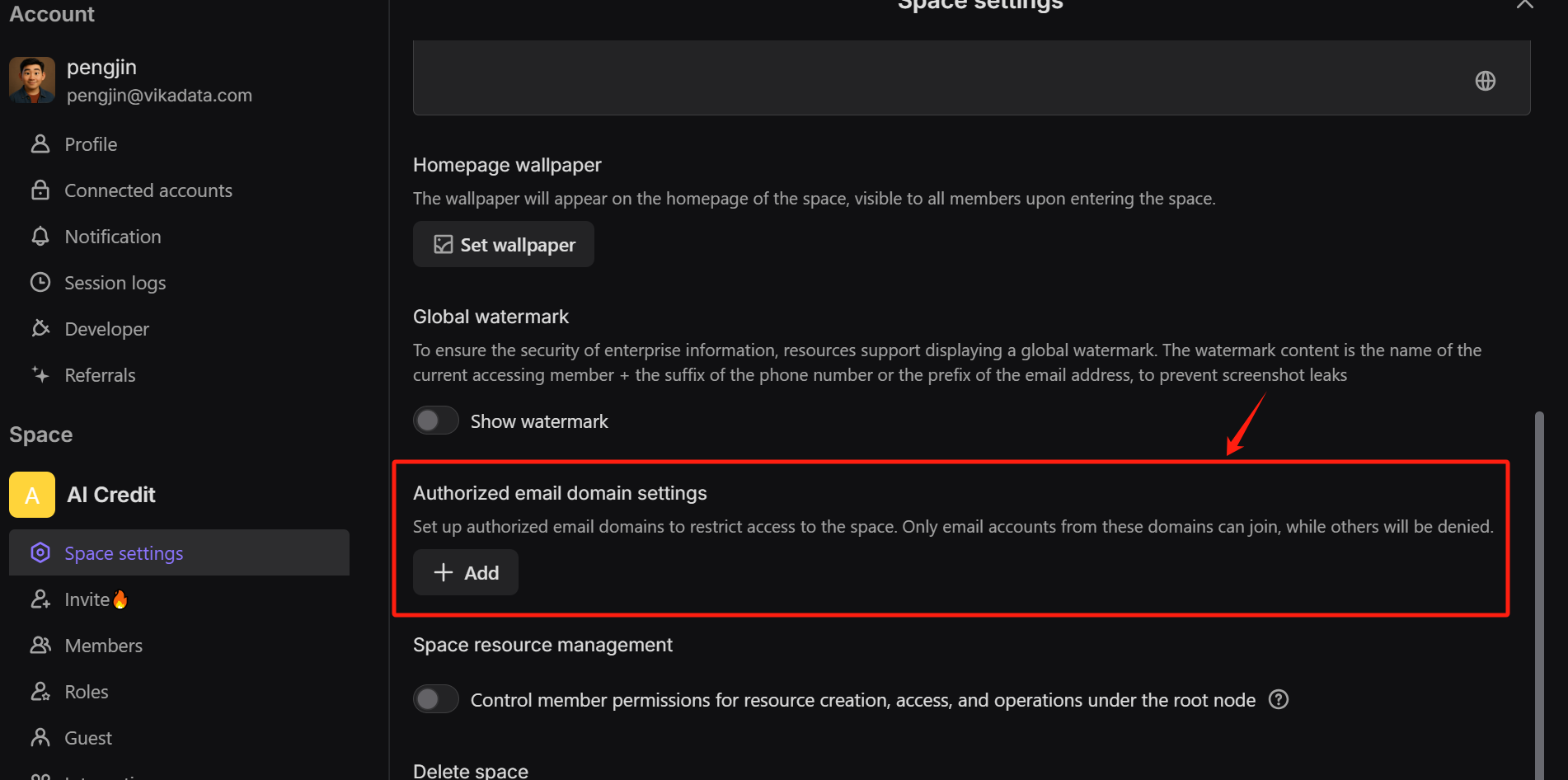
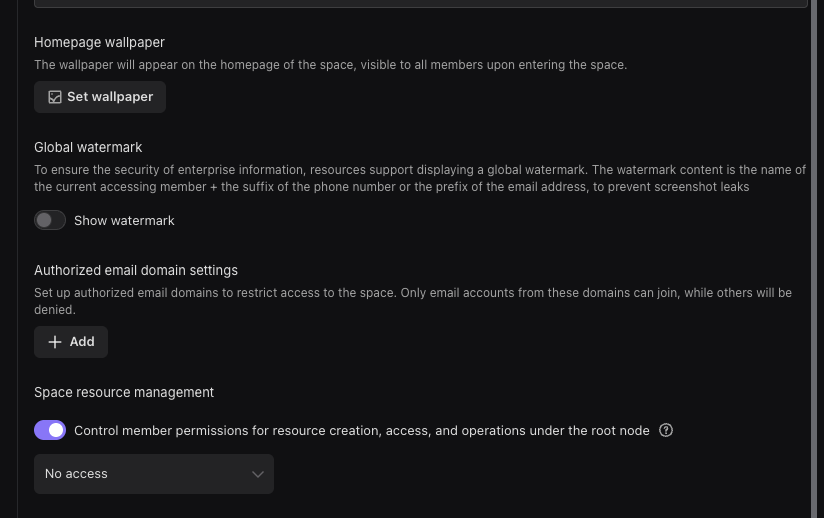
i delited…
An invitation link is sent to the initial email account you invite. However, after deleting the approved email and then trying to re-invite it, the invitation email is not sent.
I had previously invited and then deleted the email pengjin@vikadata.com, so I suspect that’s why the invitation link is not being sent to that email address.
I believe this is an error.
Hi @Headchef.Yang
May I ask how the data in the “my project” table is being added? The data structure in your table is incorrect—some fields are of object type, but string values were passed in.
I input the information either manually or by using a form.
I don’t quite understand your explanation. Can problems occur depending on the input method? From my experience, if the input value didn’t meet the conditions, the input itself wasn’t allowed. Could you please explain in more detail what you mean?
The issue has been resolved. Please refresh the page to confirm.The problem was caused by incompatibility between the model configured in the AI Text field and the new AI model
How should I have fixed this?
I have a folder named “Scarletwoo” with the same structure.
It has the same issue.
Then, how should I use it in the future to avoid this kind of error?
I fixed it.