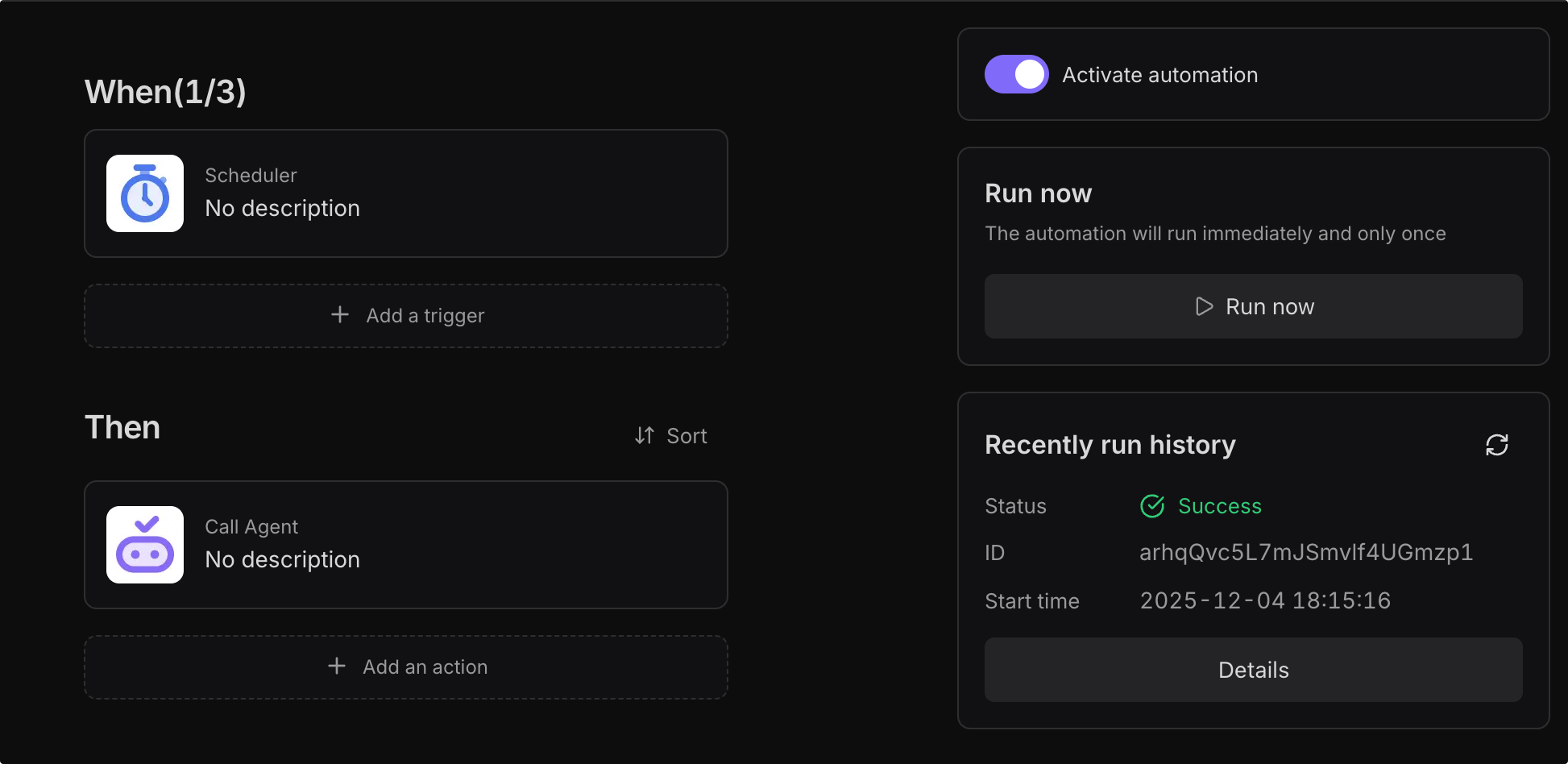
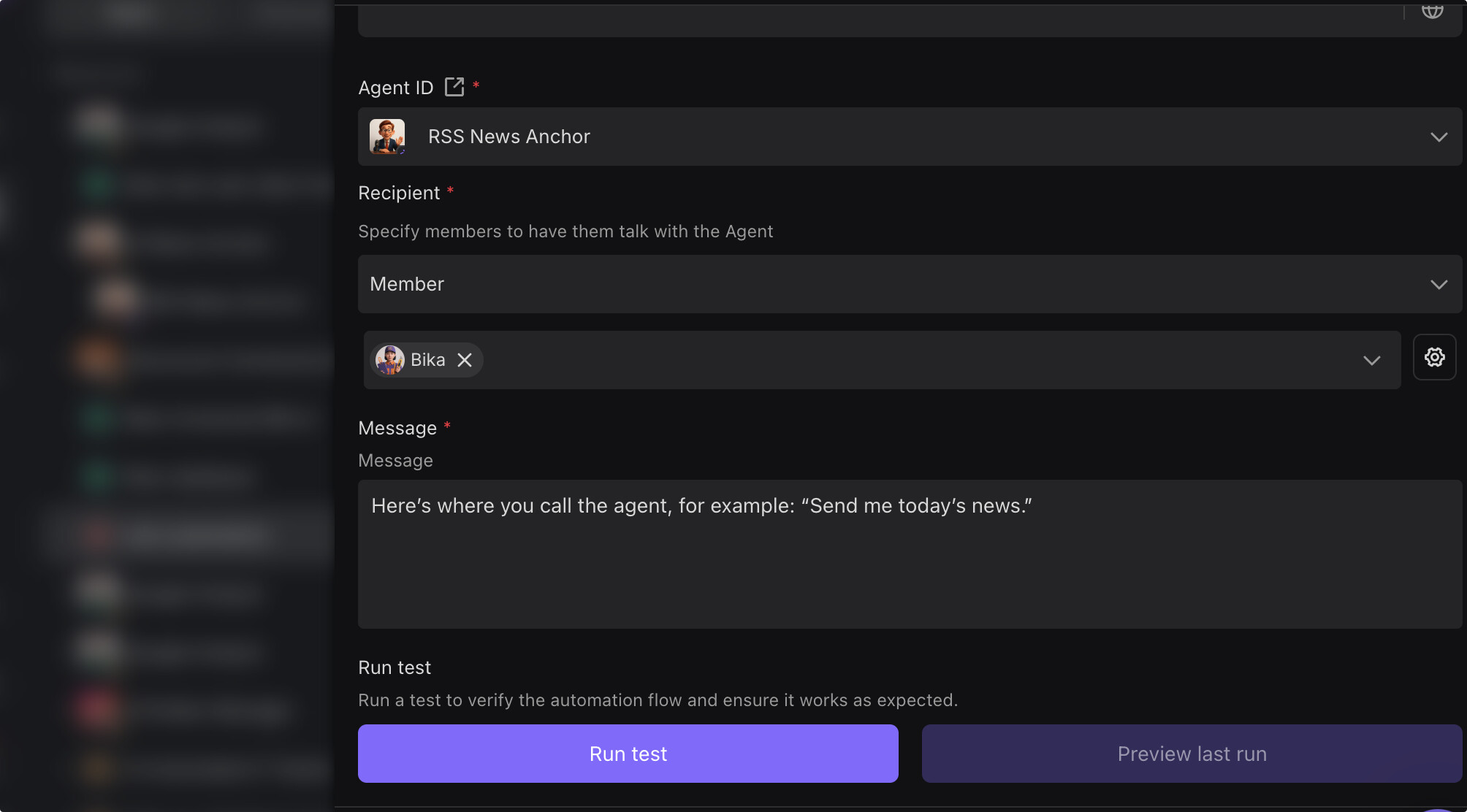
Thank you so much for your reply, I could not test this earlier as I had no credits left (I really think you should offer a way to purchase credits for those that are in a LTD, that way you could make money form us to ).
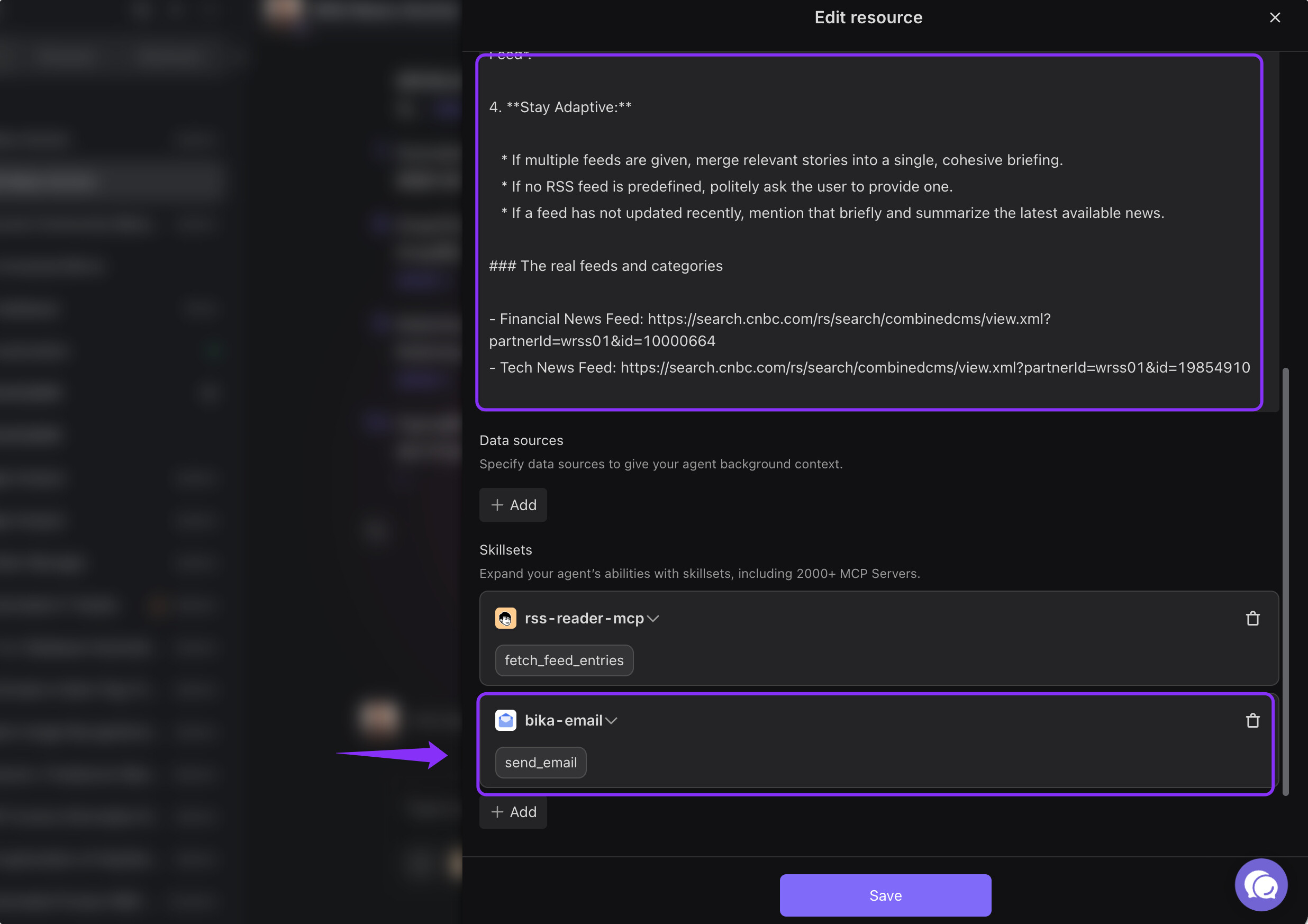
Understood! I asked to generate the report and send me an email and it did it, smooth
Ah, ok, that was interesting. I did that, now I will wait to see if it does it or not the issue about doing it this way and not via an automation, is that in case is not working I have no way to troubleshoot the issue. In Automation I can see the steps and try to figure out which step is not working, what shall I do if the report is not generated once a day automatically? or if it does for a few times and then it stops?
Ah, alright!
On another note, is GREAT that you are creating videos and that you released one for the News Anchor, but maybe before putting time on creating the video, share the script of the video with one of your users and ask for feedback. The video is missing a real explanation of how to automate sending the report.
Really appreciate the detailed follow-up, and glad to hear you got it working smoothly!
You’re absolutely right about the tradeoff here. I’ve shared your feedback around visibility / troubleshooting and credit top-ups for LTD users with the team for discussion.
Thanks as well for the feedback on the News Anchor video. That’s a great suggestion, and we’ll try to add more practical details and clarity around automation use cases going forward.
Appreciate you taking the time to share such thoughtful feedback, it really helps us improve things in the right direction
Sorry for misunderstanding your intention earlier. I had assumed you were asking the agent to email you after a manual chat run, not to have it send the report automatically every day.
If you want the report sent to you once a day at a fixed time, you will need to set up a separate Automation:
Thank you for your further help! Now I can now confirm that doing it though automation it works (at least with a manual run, but of course I expect it to work with a scheduler too)
It would be great to include this information in the RSS News Anchor you posted in Youtube.
Hi @Aaron , great to hear it’s working now, and thanks so much for the suggestion about the YouTube video. We’ll update the guide to include a scheduler example for generating daily news reports with this agent.

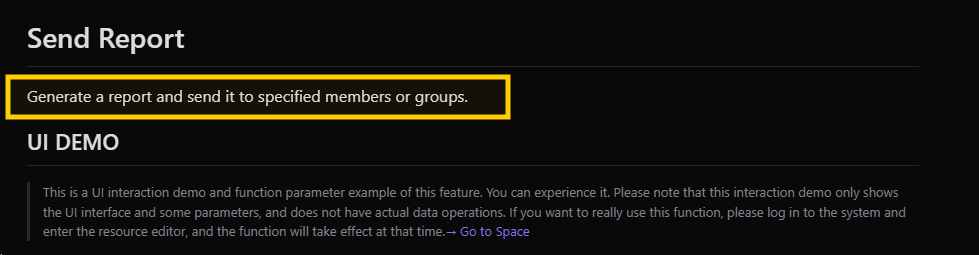
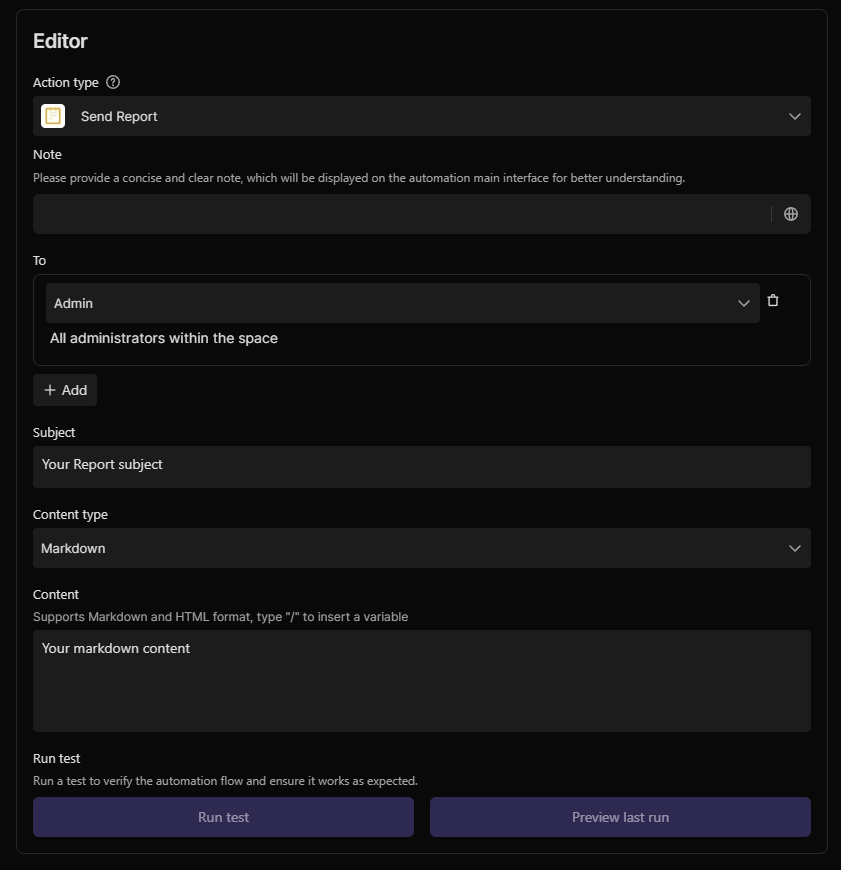

 (I really think you should offer a way to purchase credits for those that are in a LTD, that way you could make money form us to
  ).
).